Embedded /
ESP8266 / ESP32 / Platform IO / IOT
Development environments
Arduino IDE (Portable)
See : Arduino IDE
INSTALL : arduino-1.8.13-windows.zip + create portable folder
- Installed in : C:\Embedded\arduino-1.8.13\arduino.exe
- ie. C:\Embedded\arduino-1.8.13\examples\...
- ie. C:\Embedded\arduino-1.8.13\libraries\XXX\examples\... - create portable folder : C:\Embedded\arduino-1.8.13\portable
see: https://www.arduino.cc/en/Guide/PortableIDE
- ie. C:\Embedded\arduino-1.8.13\portable\staging\libraries
- ie. C:\Embedded\arduino-1.8.13\portable\staging\packages - File >> Preferences >> Additional boards manager URLs : https://dl.espressif.com/dl/package_esp32_index.json, http://arduino.esp8266.com/stable/package_esp8266com_index.json%%
- ie. C:\Embedded\arduino-1.8.13\portable\packages\esp32
- ie. C:\Embedded\arduino-1.8.13\portable\packages\esp8266 - "File >> Examples" ... are shown only when ESP board is selected
- ie. C:\Embedded\arduino-1.8.13\portable\packages\esp32\hardware\esp32\1.0.6\libraries\..
- ie. C:\Embedded\arduino-1.8.13\portable\packages\esp8266\hardware\esp8266\2.7.4\libraries\...
- ie. C:\Embedded\arduino-1.8.13\portable\packages\esp8266\hardware\esp8266\2.7.4\tests\... - File >> Preferences >> Sketchbook loaction : sketchbook
- ie. C:\Embedded\arduino-1.8.13\portable\sketchbook\*
- ie. C:\Embedded\arduino-1.8.13\portable\sketchbook\libraries\* ... global libraries ?
- ie. C:\Embedded\arduino-1.8.13\portable\sketchbook\libraries\XXXXX\examples
Arduino IDE + ESP Tutorials
- Installing the ESP32 Board in Arduino IDE (Windows, Mac OS X, Linux)
- Installing ESP8266 Board in Arduino IDE (Windows, Mac OS X, Linux)
Platform IO + Visual Studio Code
INSTALL :
- python-3.9.5-amd64.exe ... (mandatoty for PlatformIO)
- VSCodeUserSetup-x64-1.56.0.exe
- VS Code "PlatformIO" Extension
- GitHubDesktopSetup-x64.exe ... (optional for PlatformIO)
- Installed in :
- C:\Programs\Microsoft VS Code
- C:\Programs\Python3
- DATA : C:\Users\USER\.platformio\packages\toolchain-xtensa32\* .. toto neni dobre ale asi sa s tym neda nic robit
- PROJECTS : C:\Embedded\Projects_IO\*
PATH EnvVars :
- C:\Programs\Microsoft VS Code\bin
- C:\Programs\Python3\Scripts\
- C:\Programs\Python3\
HINTS :
PlatformIO - Frameworks
- Espressif- Frameworks
- ESP32 - Espressif IoT Development Framework
- ESP8266 RTOS SDK
- Mbed gives you a free open source IoT operating system with connectivity, security, storage, device management and machine learning.
PlatformIO - Video tutorials
- Visual Studio Code
- Platform IO
- Andreas Spiess
- Andreas Spiess - playlist (65 videos) - ESP32
- Andreas Spiess - playlist (57 videos) - ESP8266
- Andreas Spiess - playlist (12 videos) - IOT wramework with ESP8266
- Andreas Spiess - ESP32 Secrets: Interrupts, and Deep-Sleep under the Hood
- Andreas Spiess - How to work with a Real Time Operating System and is it any good? (FreeRTOS, ESP32)
TROUBLESHOOTING
- How to select the project to be build
A : VSCode sees on the active opened file. For example, if your last opened file was from “arduino-blink”, this project will be used. - PROBLEM :
    Building .pio\build\ESP32_WEMOS_D1_MINI\bootloader.bin
    Traceback (most recent call last):
      File "C:\Users\username\.platformio\packages\tool-esptoolpy\esptool.py", line 41, in <module>
        import esptool
      File "C:\Users\username\.platformio\packages\tool-esptoolpy\esptool\__init__.py", line 42, in <module>
        from esptool.bin_image import intel_hex_to_bin
      File "C:\Users\username\.platformio\packages\tool-esptoolpy\esptool\bin_image.py", line 16, in <module>
        from intelhex import HexRecordError, IntelHex
    ModuleNotFoundError: No module named 'intelhex'
    *** [.pio\build\ESP32_WEMOS_D1_MINI\bootloader.bin] Error 1
Reason : Upgraded Espressif 32 framework
Resolution(s) :
- Try Fix python :
pio upgradethen @@pio system prune -f - If unsucessfull Uninstal and install again Espressif 32 framework/platform
            pio platform uninstall espressif32
            pio platform install espressif32
- Test if IntelHex is installed :
pio pkg exec -p tool-python -- python -c "import intelhex; print(intelhex.__version__)"
- Test if IntelHex is installed :
ESP-32 / ESP-8266
- https://makeradvisor.com/esp32-vs-esp8266/ .. Feature comparison
- ESP8266 Features detailed
- esp32.net - The Internet Of Things with ESP32
HINTS
ESP - Form Factors comparison
All modules : https://www.espressif.com/en/products/modules
| Module | IMG | CPU | Pins | Flash / PSRAM | Discont. | Note |
| ESP-WROOM-02x | 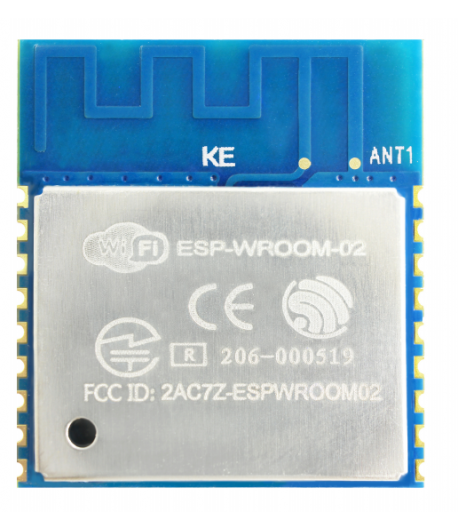
| ESP8266EX | 18 | 2.4 / - | ESP-WROOM-02D = PCB antena ESP-WROOM-02U = IPEX antena esp-wroom-02u_esp-wroom-02d_datasheet_en.pdf | |
| ESP-WROOM-S2 | 
| ESP8266EX | 20 | 2.4 / - | esp-wroom-s2_datasheet__en.pdf | |
| ESP32-WROVER-XX | 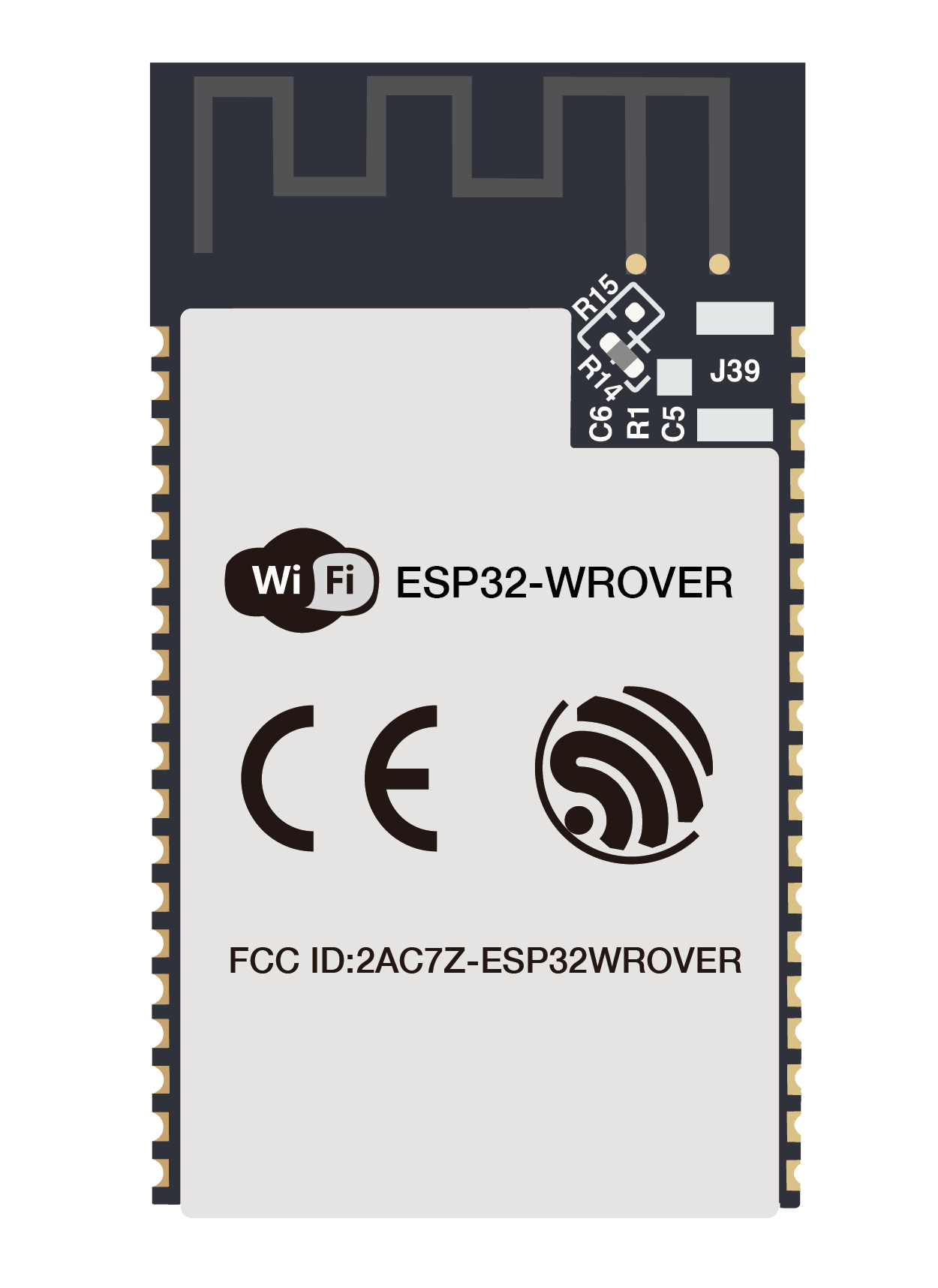
| ESP32 | 38 | 4MB / 8MB | Discontinued | esp32-wrover_datasheet_en.pdf |
| ESP32-WROVER-E ESP32-WROVER-IE | 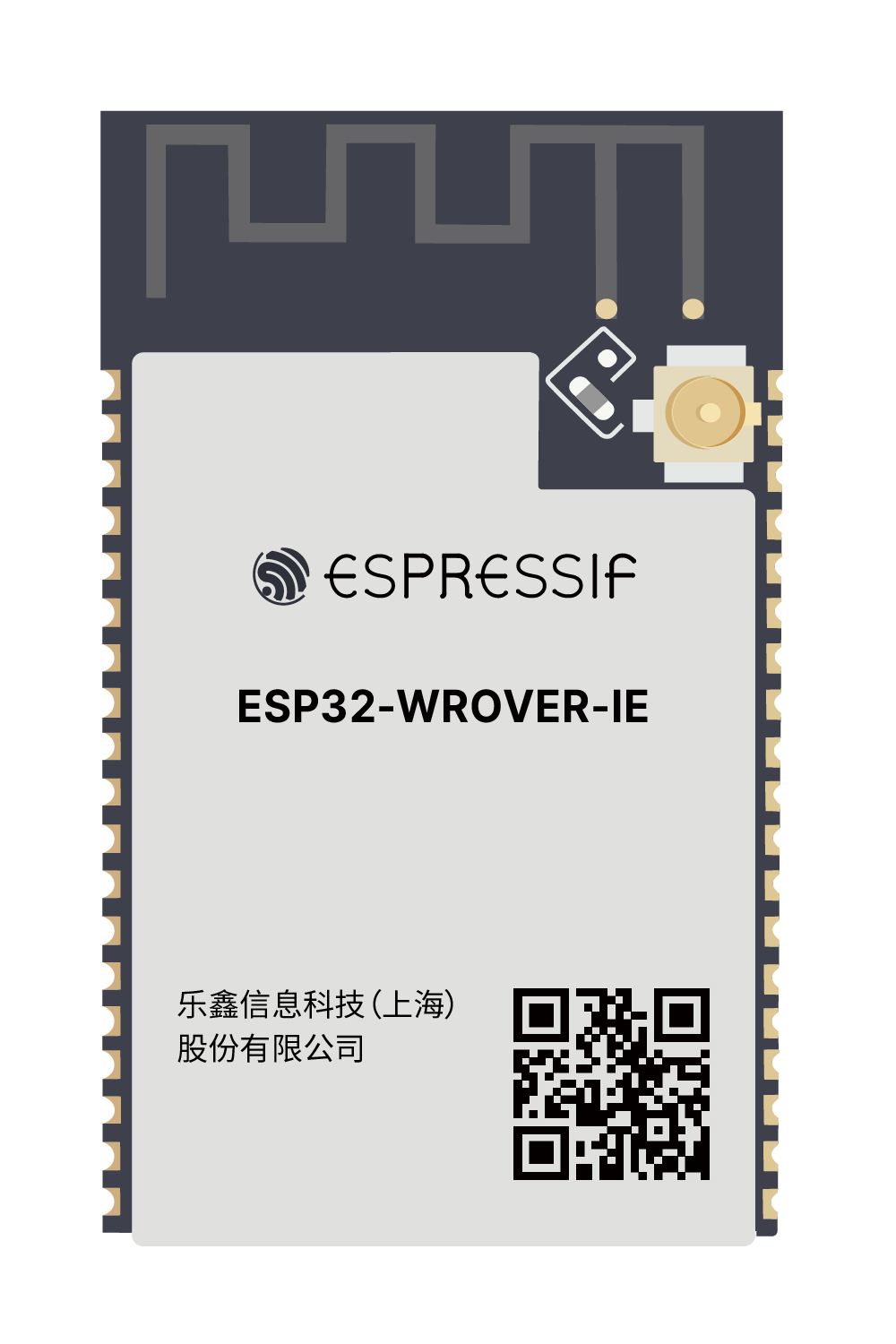
| ESP32-D0WD | 38 | 4,8,16 / 8 | E=PCB ant. / IE=IPEX ant. | esp32-wrover-e_esp32-wrover-ie_datasheet_en.pdf |
| ESP32-S2-XXXX | 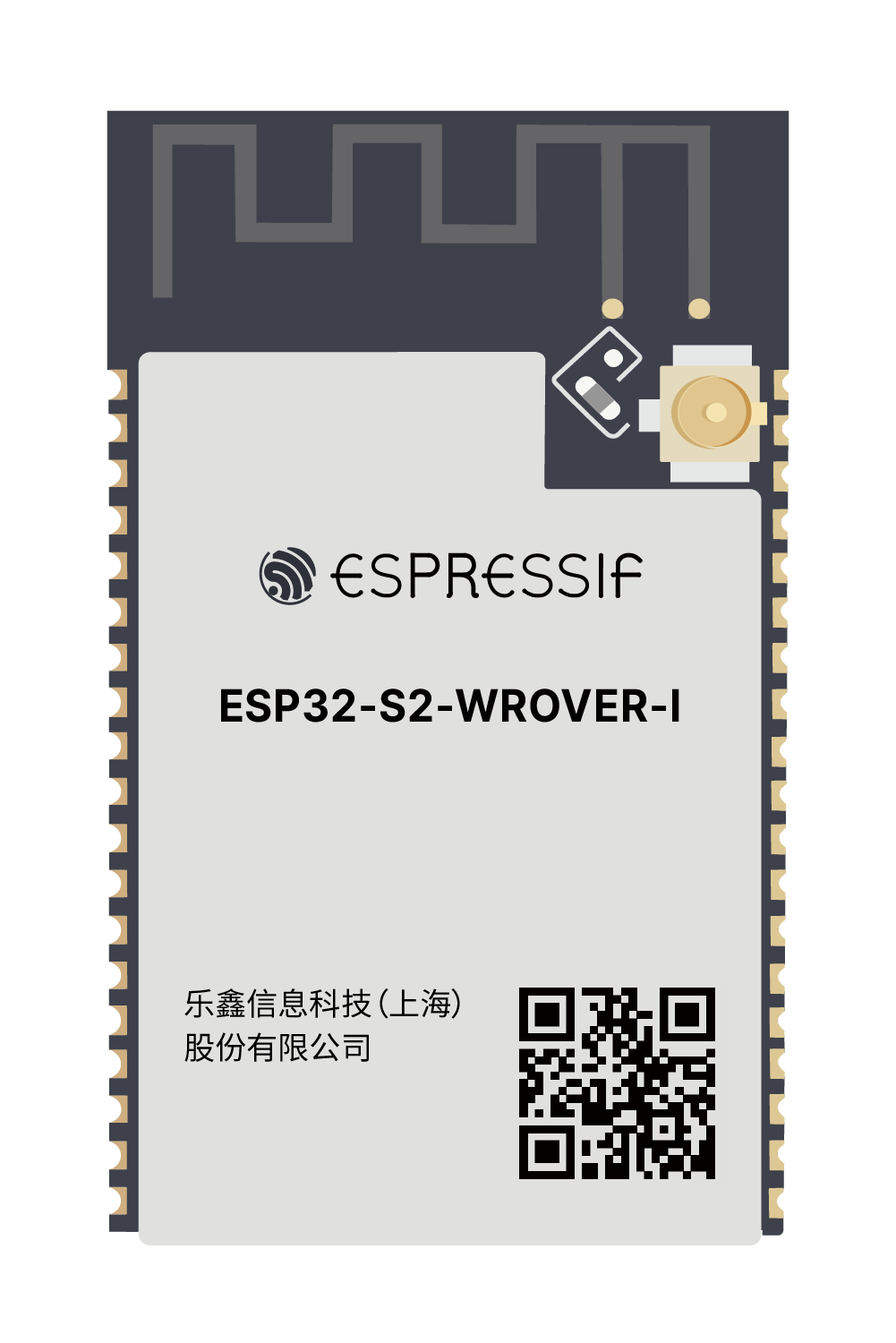
| ESP32-S2xx | 38,42,65 | 4,8,16 / -,2 | esp32-s2-wrover_esp32-s2-wrover-i_datasheet_en.pdf | |
| ESP32-C3-XXXX | 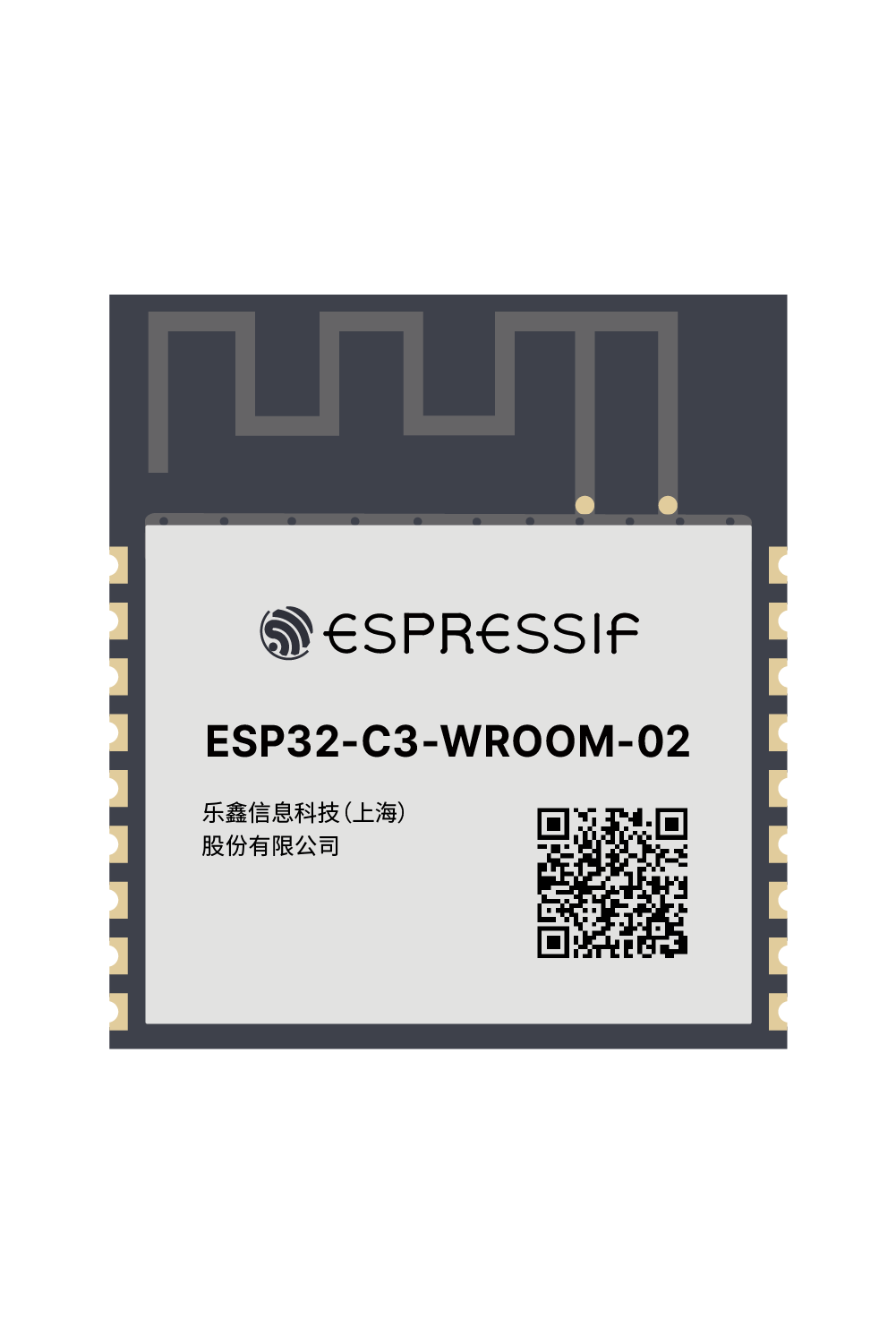
| ESP32-C3 | 19 | 4 / - | esp32-c3-wroom-02_datasheet_en.pdf |